

Top 5 Best YouTube Channels to Learn Adobe After Effects in 2025
If you want to master Adobe After Effects, the right YouTube channels can save you hours of trial and error. Whether you’re into motion graphics, VFX, or cinematic titles, these channels offer step-by-step tutorials that fit your pace. Let’s dive into the top 5 After Effects YouTube channels worth subscribing to this year.
1. Video Copilot (Andrew Kramer)

About: The legendary After Effects channel by Andrew Kramer, known for his high-end VFX, motion design, and compositing tutorials. Video Copilot has been the gold standard for AE learners for years.
Subscribers: ~786K
Best For: Intermediate to advanced users who want to learn real-world effects and cinematic compositions.
2. SonduckFilm
About: SonduckFilm focuses on motion graphics, animation, and clean professional design tutorials. Josh Noel makes learning fun and practical with fast-paced, easy-to-follow videos.
Subscribers: ~1.1M
Best For: Beginners and intermediates who love stylish, clean motion graphics.
3. Dope Motions

About: Created by Nikhil Pawar, Dope Motions is perfect for those who want modern motion design and intro templates using After Effects.
Subscribers: 400K+
Best For: Motion designers and freelancers who want to learn eye-catching animations and title sequences.
4. 7 Minute AE Tutorials

About: Hosted by Jeff Knight, this channel focuses on short, efficient tutorials that teach you how to get results fast. Perfect if you’re learning AE on a tight schedule.
Subscribers: 47K+
Best For: Intermediate users who want quick “how-to” effects and workflow hacks.
5. AE With Mikey
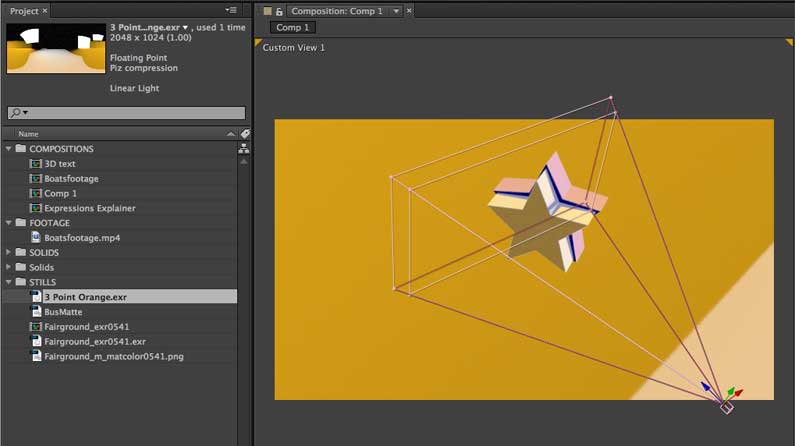
About: Mikey Borup’s tutorials are detailed, clear, and cover everything from AE basics to 3D motion design. He’s known for breaking down complex topics simply.
Subscribers: ~200K
Best For: Beginners and hobbyists who want to strengthen their AE foundation.
📈 How to Get the Most Out of These Channels
- 🎯 Set a Learning Path: Start with AE With Mikey → SonduckFilm → Video Copilot.
- 🧠 Learn by Doing: Always open AE and recreate tutorials — don’t just watch.
- 📂 Use Project Files: Most creators offer downloads to learn structure and composition flow.
- 💡 Apply Techniques: Try to integrate each new skill into your personal or freelance projects.
✨ Final Thoughts
The best way to learn Adobe After Effects in 2025 is to learn by doing — and these channels make it easy. From quick transitions to full VFX breakdowns, they’ll keep your creativity flowing and your skill level rising. Subscribe, practice daily, and soon you’ll be creating stunning animations of your own!